ClipBolt
Content Vault.
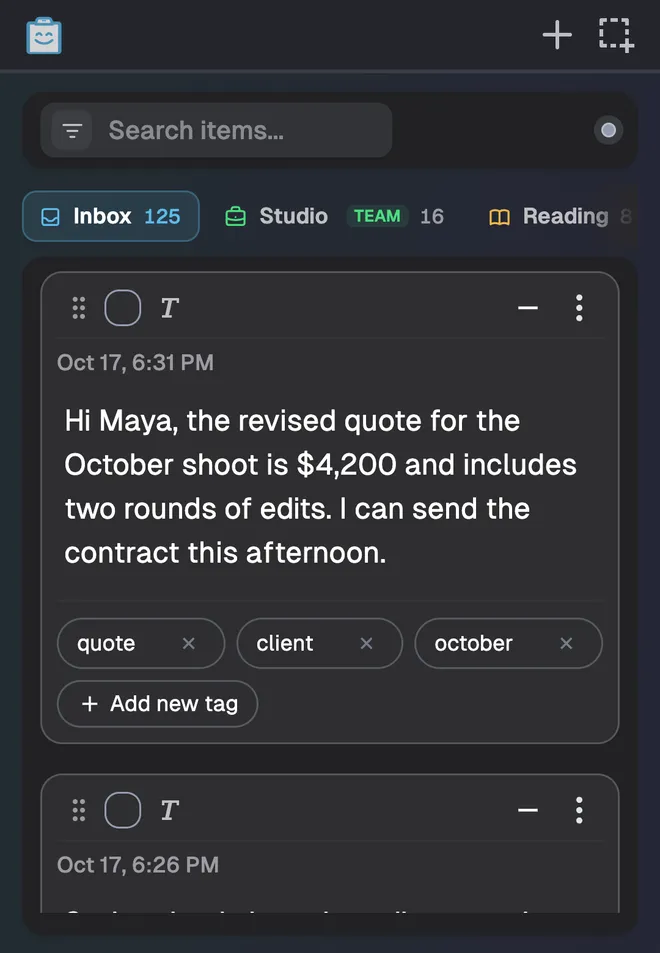
Preserves native formats with their source, auto-tag using AI, organize items between collections. Supports AI agents via MCP, text transformations, and screenshot OCR.
ClipBolt
Preserves native formats with their source, auto-tag using AI, organize items between collections. Supports AI agents via MCP, text transformations, and screenshot OCR.
Clipboard manager
Integrates with your clipboard to keep what you copy, usually plain-text only.
Notes app
Keeps your own writing with quotes and references, write a draft to revise later (which you often forget), or add your meeting notes.
| Feature | ClipBolt | Clipboard manager | Notes app |
|---|---|---|---|
| Adding content | Saved as you copy, with support for multiple sources, your AI agents using MCP, CLI support, mobile device, and more | Saved as you copy | Your own manual writing |
| Searching | Natural search, quick retrieval, tags, and collections | Copied text | Note titles & body text |
| Editing | Edit any item as needed by hand, or do AI transformations like rephrase or translate | Few apps support editing | Whole notes and documents |
Locally on your device. Signing in turns on sync for your account, with end-to-end encryption.
AI is optional, enabling it will send items to OpenAI for auto-tagging and TypeSafe AI for classification. AI auto tagging can be disabled. Custom actions like rephrase or translate will be sent to OpenAI only for the items you do the actions on. More details on our privacy policy page.